Send pocket money, then see where it goes

You already send money by M-Pesa. The difference is that now you know what it bought, and that nobody can take it off your child on the way to the canteen.

Very little about sending. A lot about knowing.

How you send money barely changes. What you find out afterwards changes completely.

Any Kenyan number
Safaricom, Airtel, or Telkom. Pay the school paybill from a feature phone, or start the top-up in the app and approve the M-Pesa prompt.
Free to top up
We do not take a cut of your child’s pocket money. What you send is what lands in the wallet.
ThumbPay never sees your PIN
The payment is handled by M-Pesa. You enter your PIN on the Safaricom prompt, on your own phone, exactly as you always have.
A statement, not a mystery
See what was bought, when, and for how much, not just that the money is gone. Every purchase appears as its own line.
Caps you control
Set a daily and a weekly ceiling. The till enforces it at the counter, so a whole term’s pocket money cannot disappear in a weekend.
Money back out
Whatever is left at the end of term stays your child’s. Leave it for next term or withdraw it to your own M-Pesa number.
More than one guardian
A mother, a father, and the aunt who helps with school fees can all be linked to the same student, each with their own login.
Or pay from another phone
Sending on somebody else’s behalf? Switch the paying number and the M-Pesa prompt goes to that phone instead.

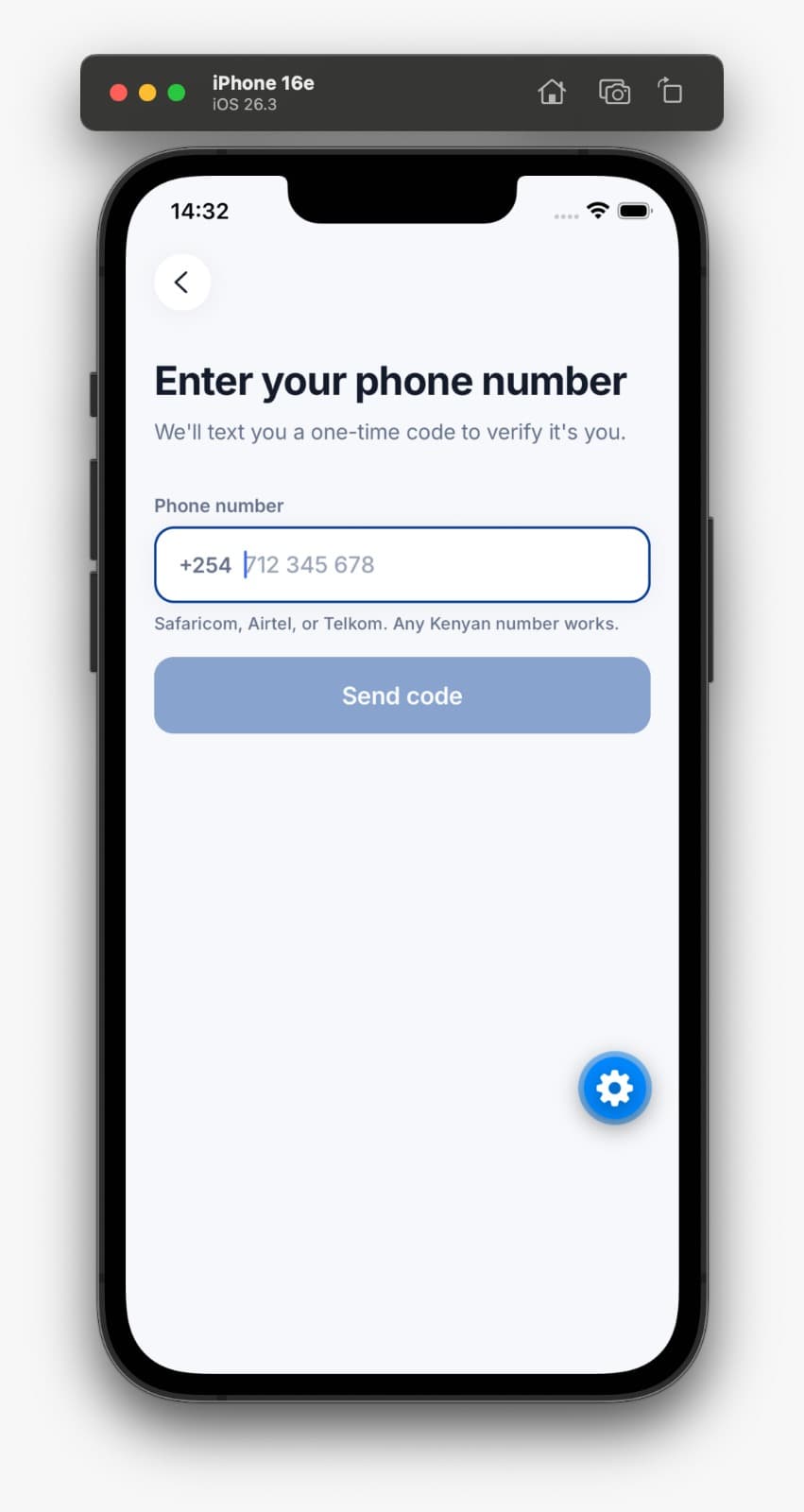
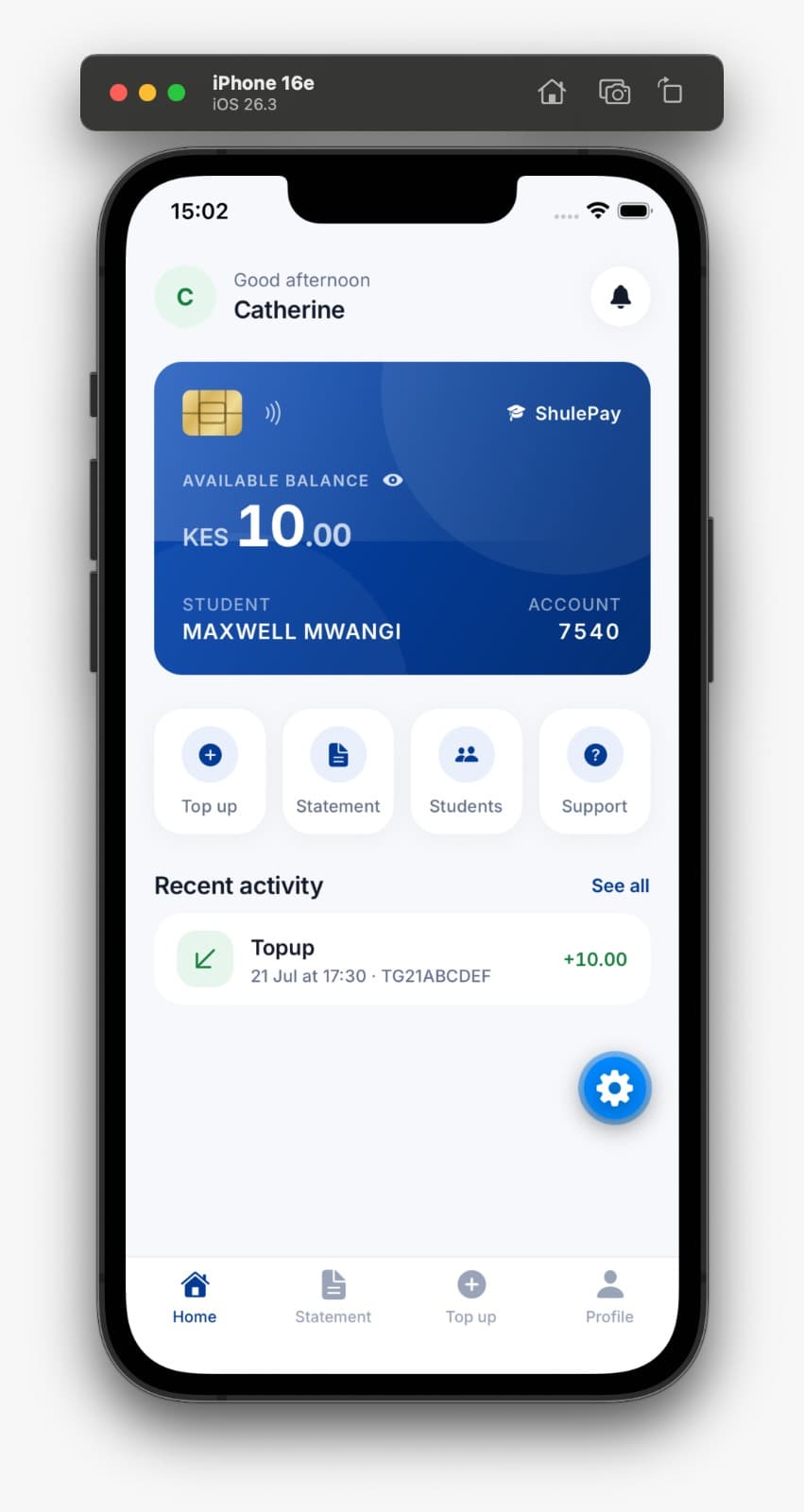
The app, as it actually looks

Sign in with your phone number and a one-time code. There is no password to forget.
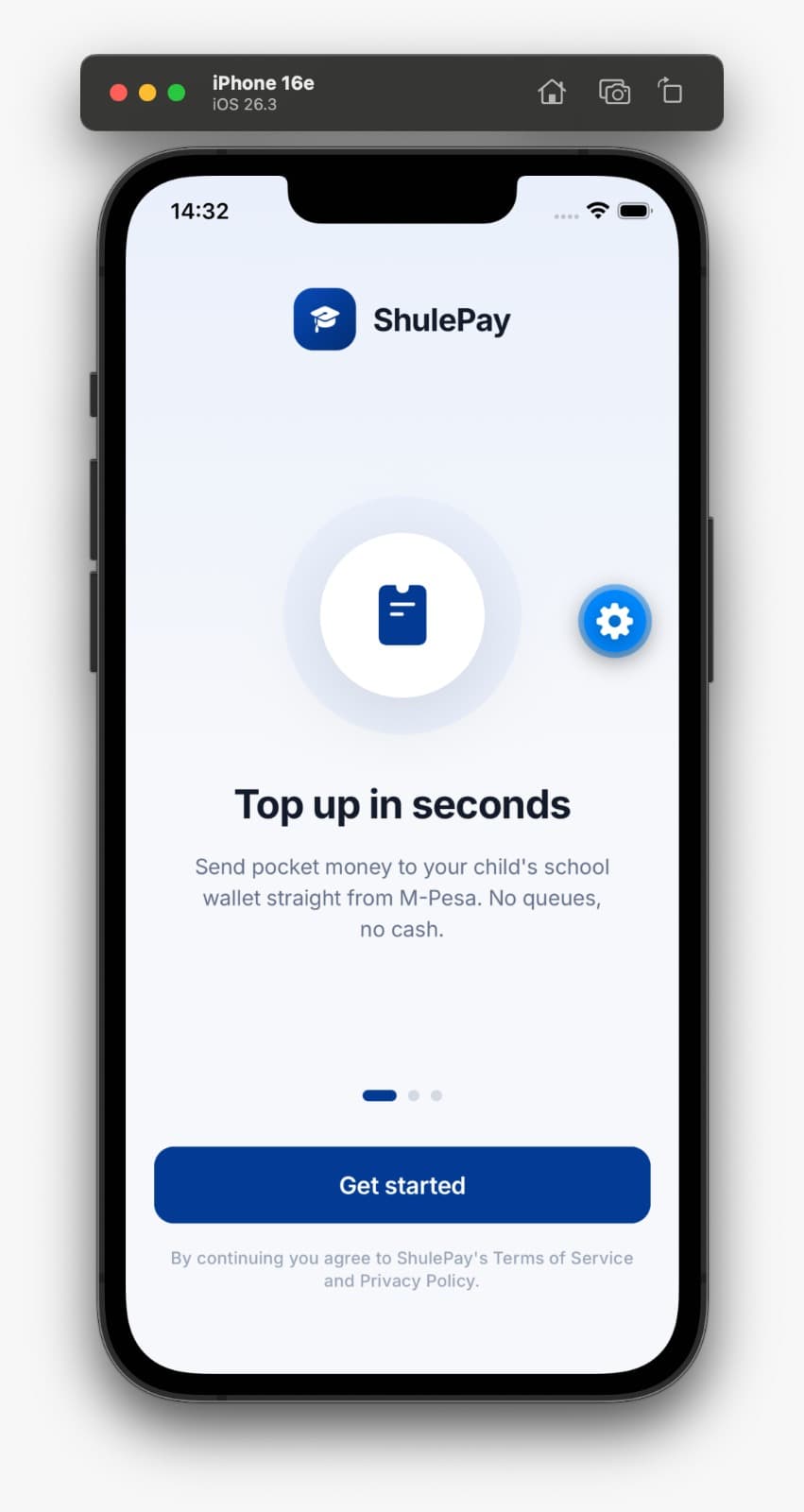
The ThumbPay app welcome screen, reading Top up in seconds.
Top up in seconds. Straight from M-Pesa. No queues, no cash on visiting day.
The sign-in screen asking for a Kenyan phone number to receive a one-time code.
No password. A one-time code by SMS. Safaricom, Airtel, and Telkom all work.
The app home screen showing a student wallet card with the available balance, account number, and recent activity.
The balance, and where it went. Your child’s wallet, the account number the school uses, and every movement underneath.

You do not need the app to send money

This matters more than anything else on the page. Topping up is an ordinary paybill payment from whatever phone you already have. The school gives you the paybill number and your child’s account number, and that is the whole process. The app exists for parents who also want the statement, the spending caps, and withdrawals. A parent who never installs anything can still send pocket money, and their child can still buy lunch.

Is your child’s school on ThumbPay?

We start with the school rather than the parent, because the canteen has to be running before a wallet is any use. Tell us which school and we will take it from there.

We usually reply within two working days.